Time-Warp Scrub
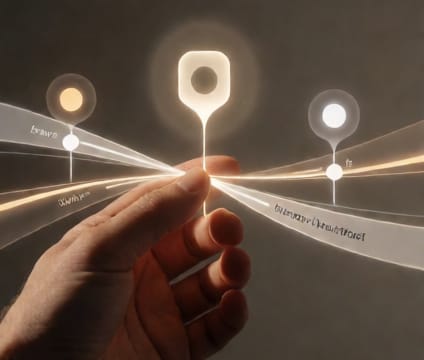
Hold spacebar and drag to jump instantly between key dates, accelerating review cycles and delivery pacing.
The Time-Warp Scrub mimics the intuitive rhythm of timeline editing in video software. By holding spacebar and dragging, users glide across days or weeks in one motion, skipping static milestones to land precisely at active phases. This avoids laborious zooming and panning, keeping focus on evolving work rather than interface navigation.
It’s ideal for quick status sweeps before meetings or handoffs. A VFX lead might scrub from lock date to delivery week to gauge render queue buildup; a director could jump between dailies and editorial checkpoints to compare versions. Motion feels responsive, not mechanical—time expands or compresses visually based on the gesture’s speed and duration.
Teams often discover they reduce scheduling time by switching from clicking to gestural navigation. The scrub responds to human rhythm—slow for precision, fast for overview—and integrates with drag-select to highlight date ranges. This cuts friction during collaborative reviews where timing decisions must be shared in real time.