Shared Navigation
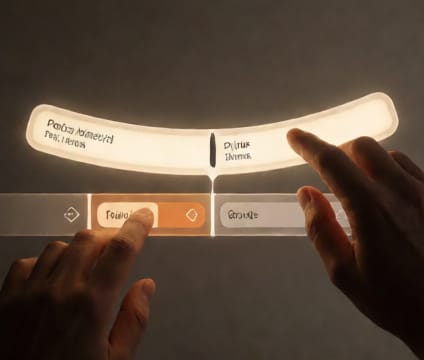
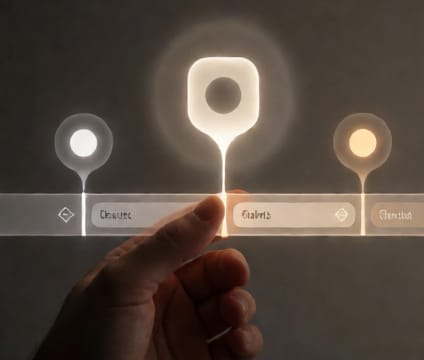
Sync zoom, scroll, and playback state across all team views so everyone sees the same moment in time.
Shared navigation removes version drift during collaborative planning by locking zoom level, scroll position, and playback state across all connected users. When one person scrubs time or zooms into a critical week, everyone else sees the exact same view. This mirrors physical studio sessions where teams stand before one whiteboard and talk through changes in sync.
It’s critical during real-time reviews—like a director watching dailies alongside VFX supervisors—where describing a spot by timecode alone risks misalignment. Shared navigation ensures that ‘show me Tuesday’s VFX check-in’ means the same frame for everyone. Updates appear instantly; feedback stays grounded in the current perspective.
Teams using shared navigation report fewer follow-up questions and less rework. It turns asynchronous comments like ‘I saw it at 42:30’ into shared certainty. The system also preserves view history, so teams can backtrack if a discussion veers off, then re-sync with a single click. No more screenshots or manual zoom resets.