Color Layers
Assign departments or phases to distinct visual bands for instant timeline readability and cross-team alignment.
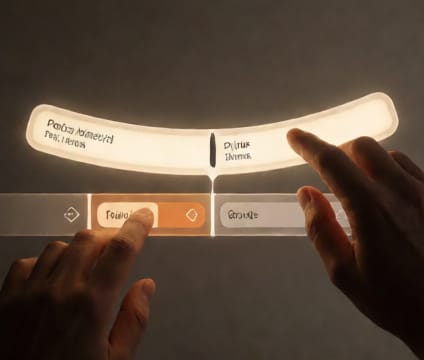
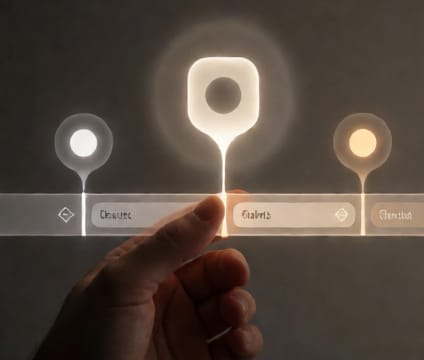
Color layers bring structure to complex schedules by mapping work streams to visual zones. Each band—like production design, lighting, or post—uses a consistent hue across all timelines, making dependencies and handoffs obvious at a glance. This eliminates mental parsing of text labels and reduces miscommunication when teams scan the same space.
When building a multi-department timeline, start by defining core phases with clear beginning and end points, then assign bands. Avoid too many subtle variations—use high-contrast hues for overlapping phases and softer tints for background context like procurement or travel. This way, even zoomed-out, teams spot collisions before they become delays.
Color layers become most powerful when integrated with dependencies. If the VFX band intersects early with cinematography, it signals early review needs; if post-production overtakes another band, it may indicate missed lock points. The visual metaphor supports proactive adjustments, not just reactive fixes. Consistency across projects trains intuition and speeds onboarding for new team members.