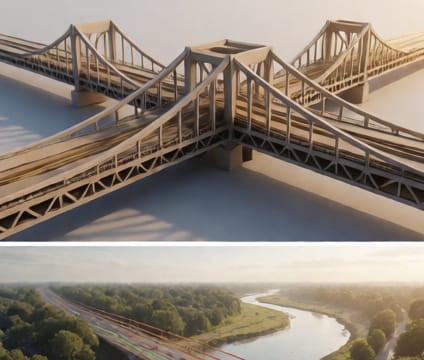
Annotation anchors
Attach notes, sketches, or reference documents directly to 4D objects at exact spatial and temporal coordinates.
Annotation anchors let teams link notes or files directly to objects in the model—and only make them visible or relevant at specific points in time. Sketches and standards references can be placed and pinned to elements that exist only during certain construction stages, with time-stamped overlays showing relevant changes.
Because annotations include both 3D coordinates and a time window, they avoid cluttering unrelated views. Someone reviewing demolition sequences won’t see pre-construction notes meant only for early planning, and vice versa. This keeps each temporal slice clean and purpose-driven. Anchors also stay attached to objects regardless of movement, rotation, or scale, so notes move with the geometry through time.
This supports compliance and audit needs where documentation must trace back to exact conditions at a moment in time. If a change is requested during a regulatory review, reviewers can see not only the updated model but also why earlier choices were made—including sketches, comments, or cited standards—all tied to the same coordinate system and timestamp. It turns abstract references into spatially grounded, time-accurate evidence.