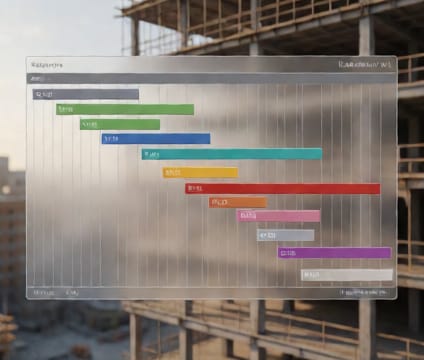
Time-anchored elements
Tie every BIM component to its schedule node for instant visibility into timing and resource commitment.
Clicking any wall, beam, or MEP element in 4D.io reveals its assigned start and end dates, duration, and assigned crew or subcontractor. This tight coupling between geometry and schedule eliminates guesswork during coordination, especially when reviewing early-stage phasing plans or validating logistics around critical path items.
Resource data—including labor, equipment, and material quantities—is displayed alongside the model element in real time. This helps planners verify labor leveling across zones and catch over-allocation before work begins. Teams can drill into daily allocations to spot bottlenecks without switching tools.
When changes occur, updating a schedule entry automatically updates linked geometry and adjacent tasks. This bidirectional sync reduces manual errors and supports rapid iteration during constructability reviews, ensuring decisions reflect real-time project conditions and dependencies.