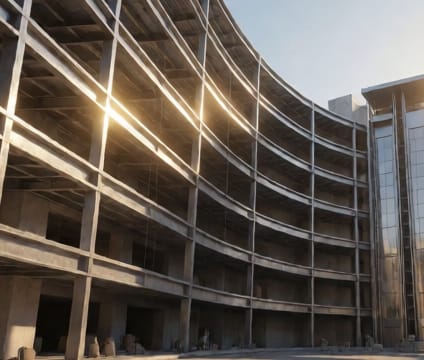
Critical path overlay
Color-code activities by float days to instantly identify windows with zero slack and high disruption risk.
Critical path overlay applies color gradients to your model’s elements based on how much schedule flexibility remains—typically red for zero float, amber for tight float, green for buffer. This transforms abstract Gantt logic into spatial cues so you see not just what’s late, but why it’s late. A red-lit ceiling zone, for example, may signal that ceiling rough-in delays cascade to drywall, MEP, and paint.
This overlay works in real time as you adjust durations or logic links. Extending a foundation pour by two days might turn adjacent slab and wall elements red, forcing rapid reassessment. Teams use it during constructability reviews to compare proposed phasing against realistic labor availability and weather windows, catching high-risk sequences early in the planning stage.
Because it’s model-integrated, critical path shifts appear immediately across disciplines. If an electrical delay moves mechanical rough-in, the affected ceiling cavity glows amber or red, triggering joint coordination before the field notices a problem. This visibility is impossible in desktop tools without manual updates—and impossible to miss in-browser with live model sync.