 ittrainingcertification.com
Understand System Components and Devices
Identify and describe major hardware components, input/output devices, and their roles in computing systems.
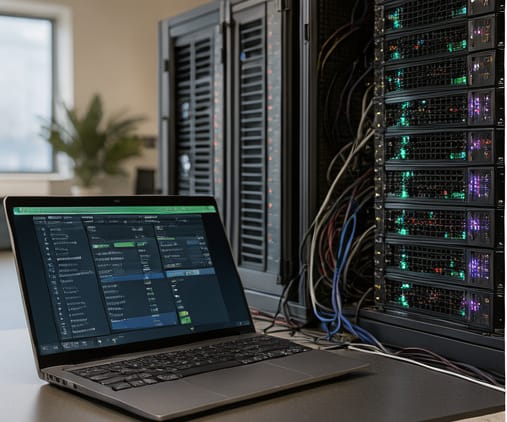
All computers rely on a set of core hardware components working together. The central processing unit (CPU) executes instructions, while memory (RAM) temporarily holds data and programs currently in use. Storage devices like hard drives or solid-state drives retain data long-term. The motherboard connects these parts and enables communication, and the power supply converts electricity into usable formats for internal components. Understanding how these pieces interrelate helps diagnose issues and plan upgrades effectively.
Input devices such as keyboards, mice, and scanners allow users to send data into the system, while output devices like monitors, printers, and speakers present processed information. Mixed devices like network cards or external drives handle both input and output functions. Modern systems often integrate additional functionality—touchscreens act as both input and output, and USB hubs expand connectivity. Recognizing these categories helps when selecting peripherals or troubleshooting interface problems.
Beyond internal hardware, external devices and their connectivity matter. Interfaces like USB, HDMI, and Thunderbolt determine how devices communicate with the system. Drivers—software that translates between hardware and the operating system—must be compatible and up to date for proper function. Issues like devices not responding often stem from driver conflicts, faulty connections, or insufficient power. Awareness of these relationships supports efficient problem solving in real-world environments.
Key points
- CPU, RAM, and storage define core processing capability
- Input, output, and mixed devices enable user interaction
- Connectivity interfaces and drivers affect device functionality