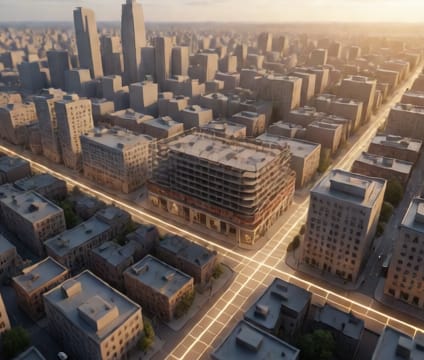
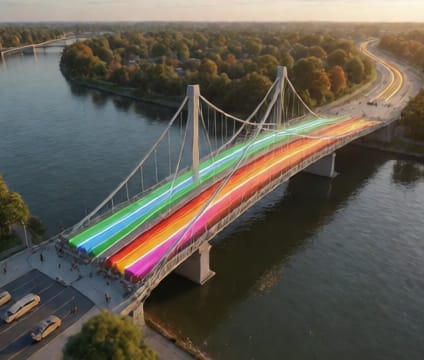
State branching
Create parallel timelines—test flood projections against retention walls, or overlay pedestrian flow models onto circulation diagrams.
State branching enables side-by-side exploration of how a design performs under different temporal conditions—without overwriting the original sequence. You can duplicate your primary timeline, then modify variables like construction speed, material aging rates, or storm frequency to see divergent outcomes. This mirrors real-world decision making: testing how adding a retention wall alters floodwater arrival time at critical infrastructure points.
Each branch maintains full fidelity of geometry, materials, and environmental conditions at every time step. You can pause, compare, or animate branches simultaneously to highlight where deviations become significant. For instance, overlaying two pedestrian evacuation timelines—one with blocked exits, one without—reveals bottlenecks and informs egress redesign before physical implementation.
Branches can be named, color-coded, and version-tracked, making it simple to document assumptions and share divergent scenarios with stakeholders. Comparing a baseline scenario with one that includes climate adaptation measures helps communicate risk reduction without overwhelming users with technical jargon. The interface keeps all branches in sync with the base geometry, so changes propagate intelligently.