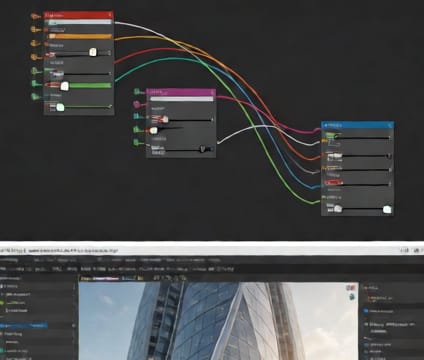
Unity Live Sync
Stream simulation data from 4d.io into Unity in real time, using frame-accurate markers for cinematic or interactive visualization.
4d.io’s WebSocket endpoint sends scene state snapshots and timeline markers to Unity with sub-frame timing, enabling live updates during simulation or playback. Unity scenes respond in real time—lights shift as the sun moves, crowds shift position in sync with construction progress, and stress zones pulse with simulation results—without frame drops or re-render waits.
This live pipeline works best when Unity’s Timeline is prepped with named tracks for simulation variables—like structural displacement or occupancy flow. 4d.io sends events (e.g., timeline markers, property updates) that Unity maps to animations, effects, or data overlays. Designers adjust simulation parameters and immediately see impact in immersive Unity views.
Teams use this to stage client presentations where real-time interaction guides decisions—e.g., pausing at critical milestones or rewinding to compare alternative layouts. Because both sides share timebase and frame count, there’s no drift or desync, and scene fidelity stays consistent between authoring and presentation environments.