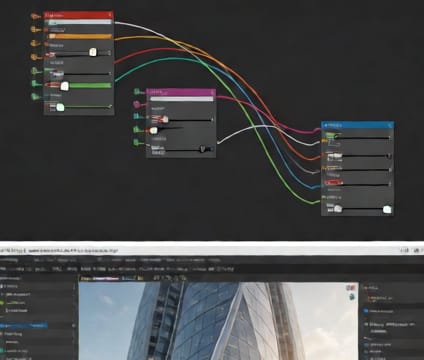
Revit Family Time Tags
Link Revit family parameters directly to 4d.io simulation timelines, ensuring install durations reflect real-world scheduling constraints.
When building schedules include task durations and crew hours, those values can be mapped to Revit family instance parameters via 4d.io’s API. This allows model elements to inherit time-bound behavior—like when installation begins or how long a lift takes—without recreating logic in the simulator. Families already tagged with metadata in schedules become simulation-ready elements automatically.
Designers no longer need to export schedules to CSV, reformat them, or manually align durations with animation frames. Instead, the connection preserves schedule fidelity across tools, so revised plans propagate into simulations automatically. Changes in phasing or labor sequencing in Revit update simulation timelines without re-importing geometry or restarting simulations.
Teams can verify that time-tagged elements align with site logistics by reviewing simulated sequences alongside their Revit schedules in parallel. If a schedule shifts due to weather or resource constraints, updating the Revit file and pushing updates to 4d.io refreshes the simulation state instantly. This tight coupling reduces version drift and improves forecast accuracy.