 ittrainingcertification.com
Identifying hardware components and their functions
Recognize physical computer parts and describe their roles in system operation.
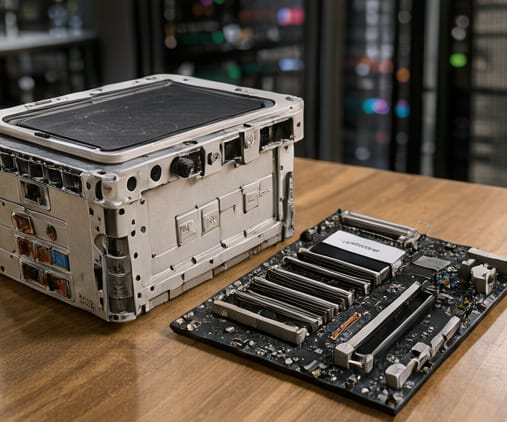
The Central Processing Unit acts as the brain of the computer. It executes instructions and performs calculations that allow software to run. Without a capable processor, even the fastest hard drive or largest memory cannot improve performance. You should understand that the speed and core count of the CPU determine how well the system handles complex tasks and multitasking.
Random Access Memory provides short-term, volatile storage for active processes. Unlike a hard drive, RAM is cleared when the power turns off. More RAM allows your system to run more applications simultaneously without slowing down. However, it does not store files permanently. Knowing the difference between volatile memory and non-volatile storage is critical for upgrading systems and solving performance bottlenecks effectively.
Storage devices, such as solid state drives and hard disk drives, retain data when the power is off. They hold the operating system, applications, and user files. The type of storage affects how quickly your computer boots and loads programs. Additionally, the motherboard connects all these components together, ensuring they can communicate with each other. A faulty motherboard will prevent any part from functioning correctly.
The CPU executes instructions and processes data.
Key points
- The CPU executes instructions and processes data.
- RAM provides temporary space for active tasks.
- Storage devices keep data when powered off.
Next lesson: Implementing basic security practices and controls →