Film Pre-Visualization
Anchor storyboards along a timeline suspended in a virtual soundstage to align blocking, lighting, and camera moves with runtime.
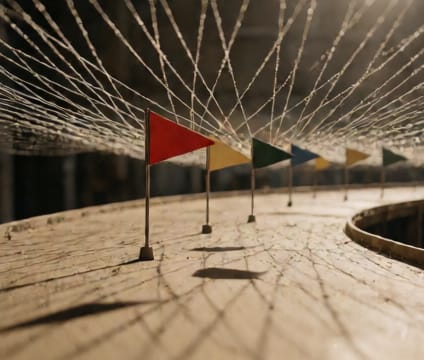
Picture a corridor where each storyboard panel is tied to a precise start and duration—00:14:02 to 00:14:09, with camera move interpolation keyed to the corridor’s curvature. Teams walk this path in virtual space, adjusting shot length and movement in real-time, watching how a 0.5-second cut delay pushes the next take by three seconds, cascading into lighting rehearse windows. This spatialized timeline keeps continuity visible without jumping between documents.
Designers place light rigs and camera tracks alongside the time corridor, snapping them to frame-accurate zones where a lens flare should appear or a dolly sweep begins. The same corridor holds actor blocking notes linked to audio stems, so when a line overlaps with a sound cue, the conflict appears as a visible overlap in the corridor’s height. No more guessing whether that dolly shot fits before the next interior transition.