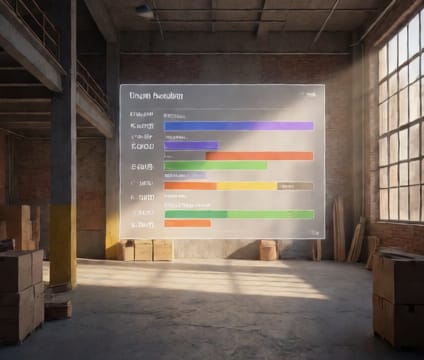
Automatic change history
Roll back to any prior phasing configuration instantly, without manually recreating earlier versions.
Construction sequencing is iterative—early assumptions often get revised after field feedback or updated material lead times. In 4D.io, every adjustment to phasing is logged with timestamps and user attribution. If a revised concrete pump schedule proves unworkable, the team can revert to the last approved version in one click. No need to track down an outdated model or recreate the sequence from backup files.
Change history supports confident iteration by showing side-by-side snapshots of key parameters: duration shifts, activity sequencing, and resource allocation per phase. Reviewers can compare the original Day 60–70 plan against the revised version and instantly spot where delays occurred or critical paths shifted. This visibility helps teams diagnose bottlenecks without reconstructing history.
Design-build leaders use this capability to run safe 'what-if' experiments. A general contractor testing a fast-track foundation layout can simulate multiple variants, save approved versions, and roll back if unforeseen site conditions emerge. Since all changes are preserved in context, auditors or subcontractors can trace decisions back to specific phasing decisions without accessing project logs.